
Agon Ātrium
Agon Ātrium, a flexible admin dashboard template by Agon Partners Innovation AG.
The template provides a consistent foundation for modern administration tools. Build single-page applications (SPA), business platforms, and internal services with reusable components.
Built with:
The template keeps application logic separate from presentation and makes branding easy to extend.
Preview
| Dark theme | Light theme |
|---|---|
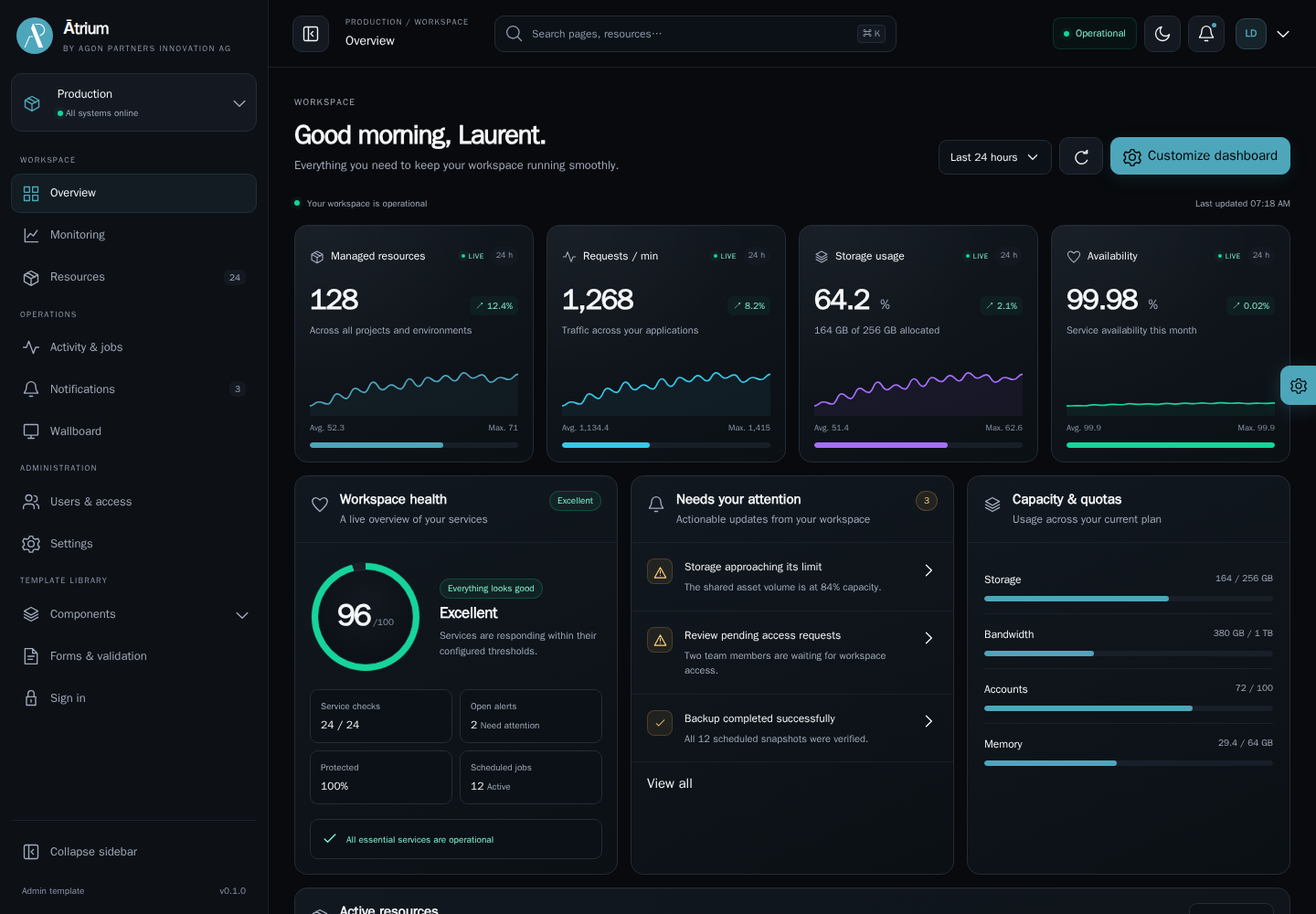 | 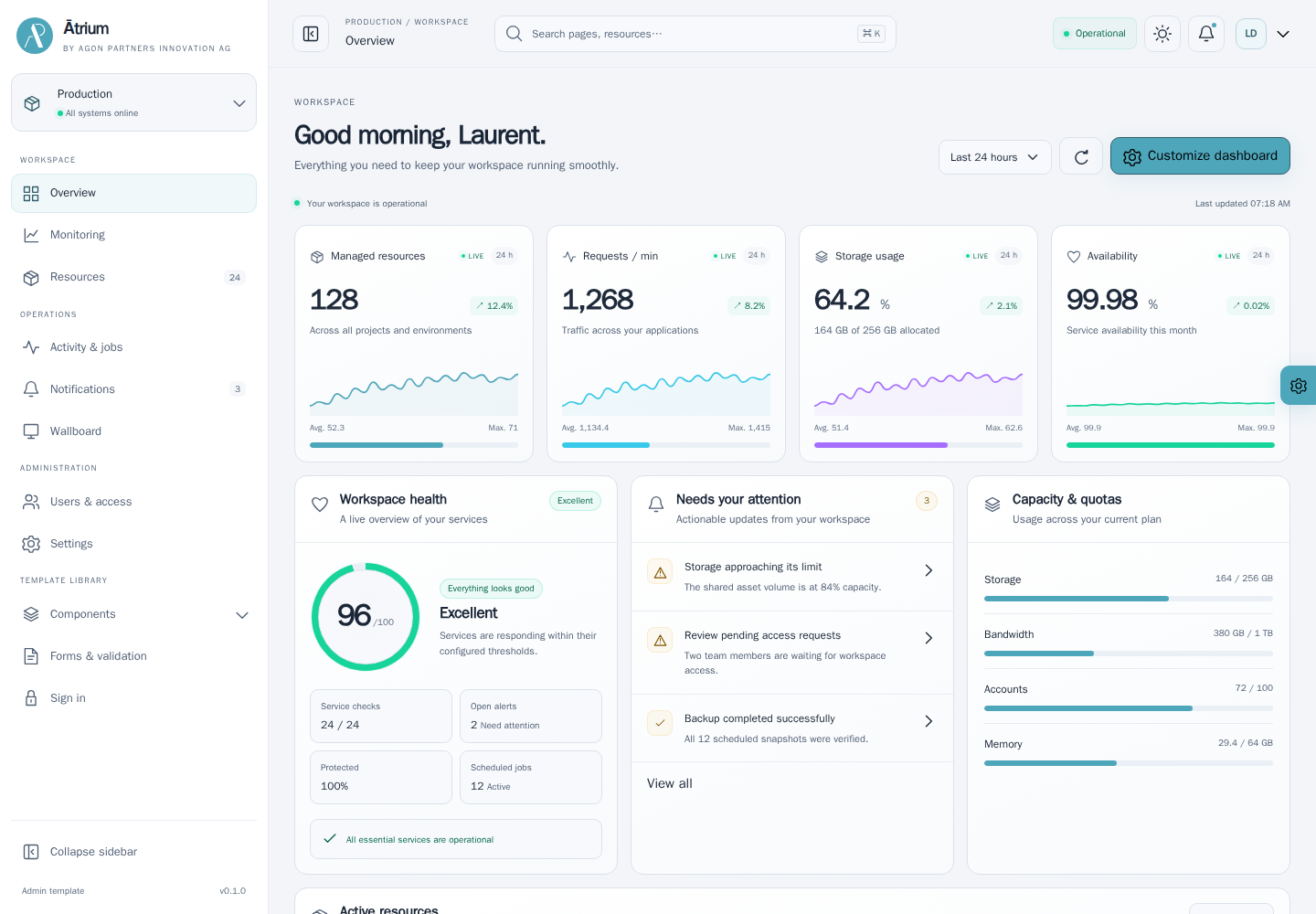 |
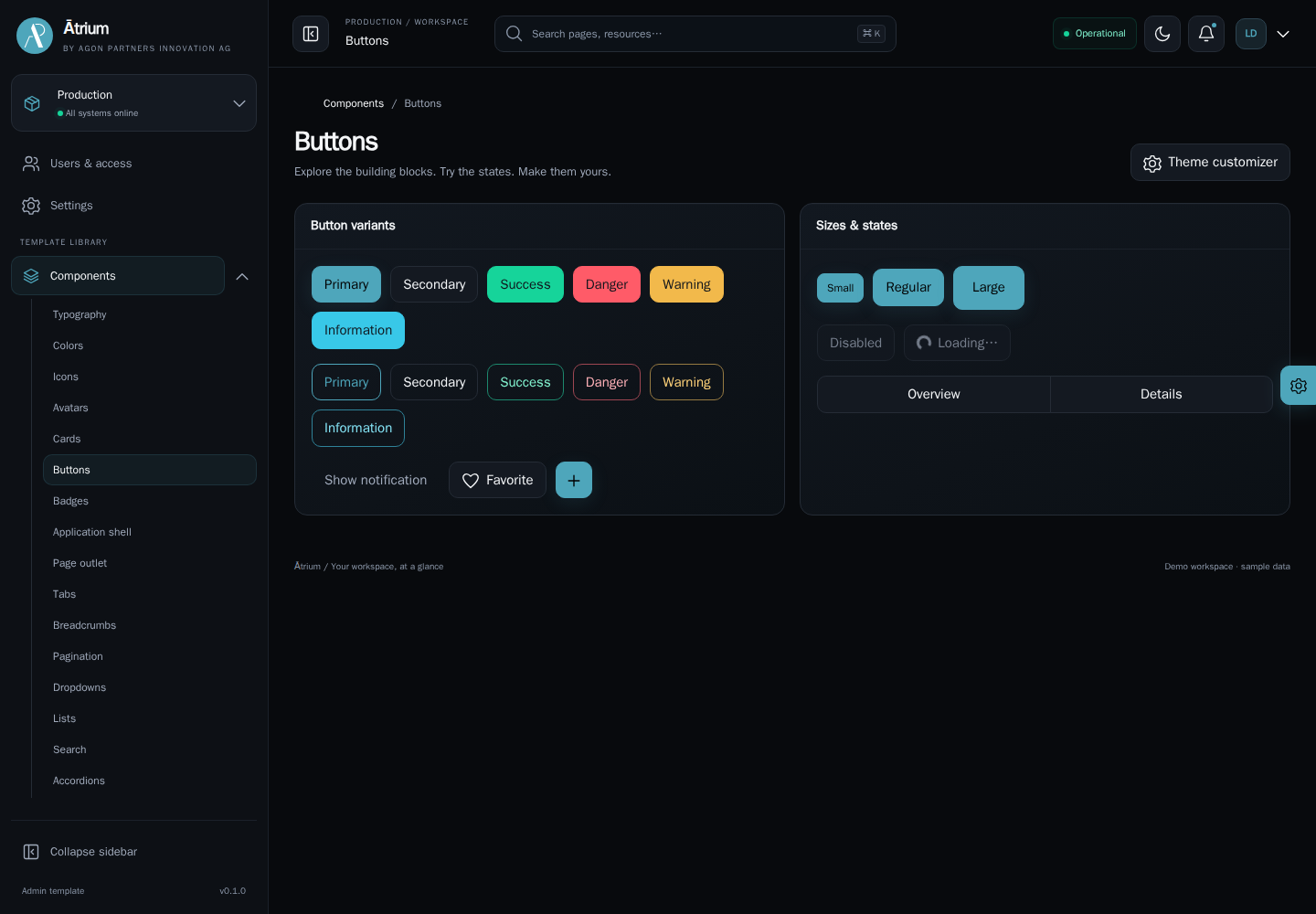 | 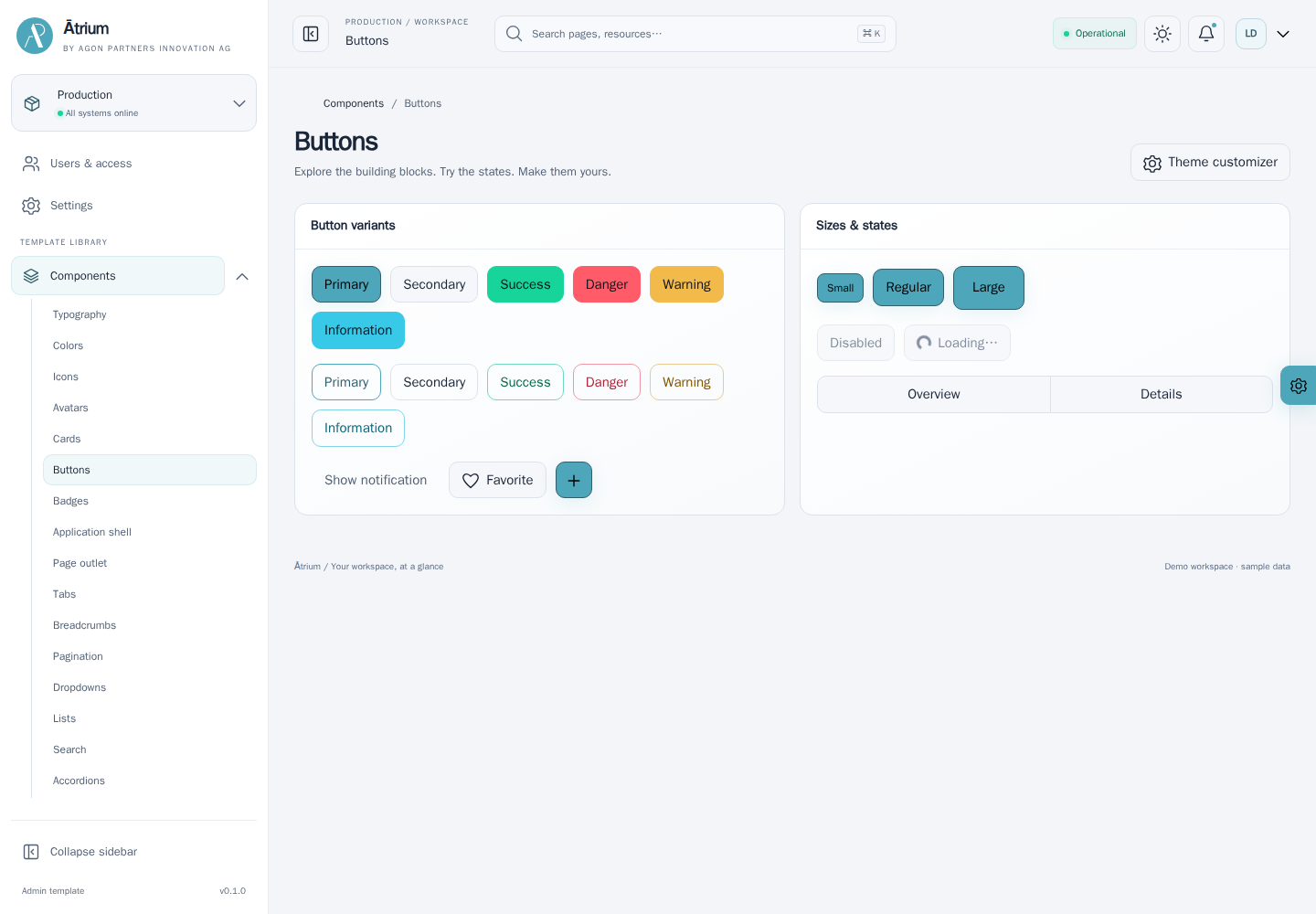 |
Core features
- Adaptable appearance: Light, dark, and system themes, a synchronized brand accent, three presets, custom colors and hex input, configurable SCSS tokens, and RTL support.
- Flexible navigation: Collapsible sidebar, expandable submenus, mobile drawer, fluid or contained content, and pinned, docked, or scrolling sidebar/header layouts.
- Ready-to-compose interfaces: Typography, buttons, badges, accordions, forms, tables, widgets, dialogs, drawers, and notifications.
- Rich integrations: Theme-aware maps, video playback, noVNC desktops, and browser terminals with application-owned connection adapters.
- A working demonstration: Dedicated component pages plus resource management, user access, monitoring, activity, settings, and profile workflows with local sample data.
- A foundation for integration: Lazy page modules, documented JavaScript components, API adapter contracts, four languages, and automated quality checks.
Use Atrium in your application
Choose a minimal starter or the full showcase. Configure access to the remote GitLab npm registry first, following the end-to-end integration guide. In your frontend directory, with Node 24 and Yarn 4.18.0:
yarn inityarn add @agon/atrium-starteryarn atrium-starter publishyarn devFor the full demonstration, replace atrium-starter with atrium-showcase in both commands. The explicit publish command creates application files, merges scripts and dependencies, and installs them locally. It does not upload or deploy anything. Both templates depend on @agon/atrium and the shared @agon/atrium-publisher. Experienced developers can install only @agon/atrium and own the bootstrap.
Develop the theme
Clone this repository and follow maintainer setup. The private root retains Yarn workspaces for developing all four packages together:
corepack enableyarn install --immutableyarn devExplore the showcase at localhost:5173, or run yarn dev:starter for localhost:5174. Stop either server with Ctrl+C.
To build production assets and try the showcase locally, run yarn start and open localhost:4173. Run yarn preview:starter in another terminal to try the built starter at localhost:4174. See local production previews for separate build and preview commands, rebuilding after changes, and shutdown.
Documentation
- Development and repository layout.
- Product presentation sources and build command.
- Architecture.
- Documentation by audience.
- End-to-end application integration.
- Component guides.
- Theming.
- Application integration.
- CI and releases.
- Verification.
- Changelog.
Author
Laurent Declercq l.declercq@agon-innovation.ch
License
Unless otherwise stated all source code is licensed under LGPL 2.1 and has the following copyright:
© 2026, Agon Partners Innovation AG, All rights reserved.The design material and the “Agon Ātrium” trademark is the property of their authors. Reuse of them without prior consent of their respective authors is strictly prohibited.
Version
Version: 20260921